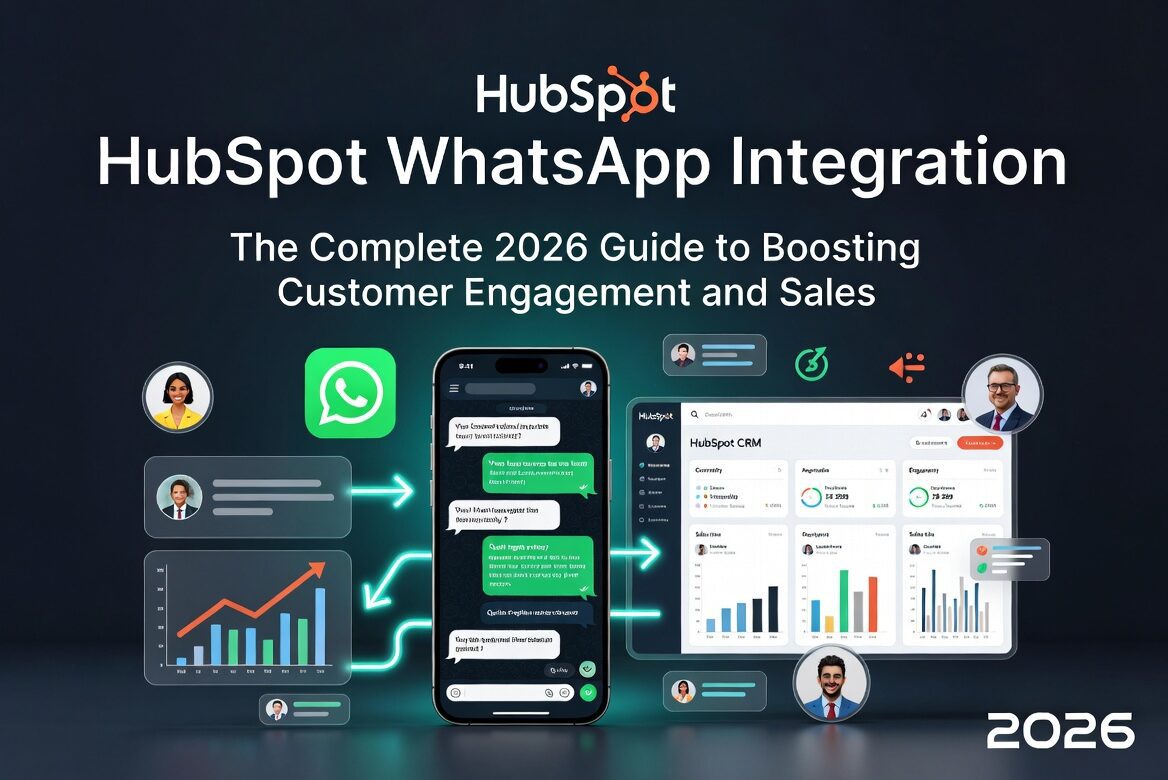
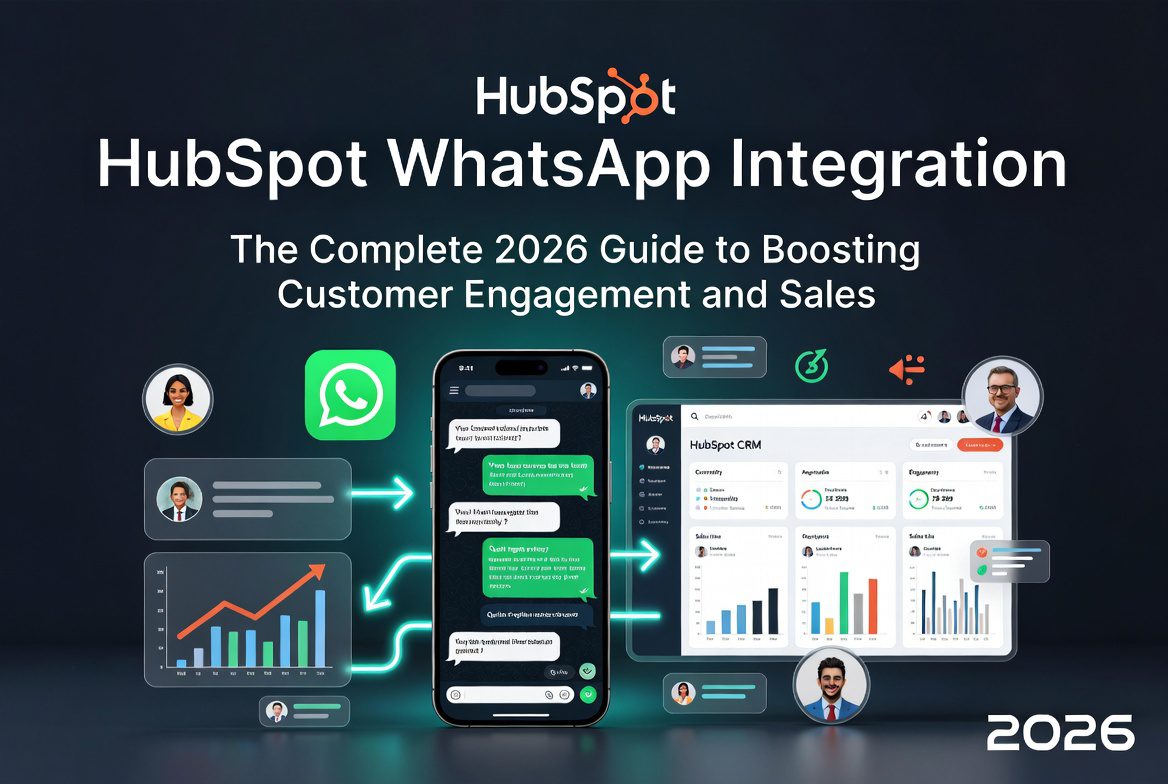
In today’s mobile-first world, customers expect instant, personalized communication on their preferred channels. HubSpot WhatsApp Integration bridges the gap between your CRM and the world’s most popular messaging app, allowing businesses to manage conversations, automate responses, and nurture leads—all from within the HubSpot platform.
With over 2 billion users worldwide, WhatsApp offers unprecedented reach. Integrating it with HubSpot turns scattered chats into structured CRM data, driving higher conversion rates, better customer support, and streamlined sales processes.
What Is HubSpot WhatsApp Integration?
HubSpot’s WhatsApp integration connects your WhatsApp Business Account (via the WhatsApp Business API) directly to HubSpot’s Conversations Inbox and CRM. Messages sync bidirectionally, so every interaction—texts, images, documents, videos, and audio—appears in contact timelines, deal records, and shared inboxes.
Key Highlights:
- Native Support: Available in HubSpot Professional and Enterprise plans (Marketing, Sales, Service, or Operations Hub).
- Shared Inbox: Team collaboration without switching apps.
- Automation: Trigger workflows based on WhatsApp activity.
- Compliance: Built-in support for message templates and 24-hour session rules.
This integration centralizes omnichannel communication, making HubSpot a true hub for customer relationships.
Why Your Business Needs HubSpot WhatsApp Integration
Integrating WhatsApp with HubSpot delivers measurable advantages across marketing, sales, and support:
- Higher Engagement Rates — WhatsApp boasts open rates exceeding 90%, far surpassing email.
- Unified Customer View — All WhatsApp threads log automatically to contact records for 360° visibility.
- Faster Response Times — Real-time messaging shortens sales cycles and improves CSAT scores.
- Lead Nurturing & Conversion — Send personalized follow-ups, quotes, or abandoned cart reminders directly.
- Automation Power — Use HubSpot workflows to create deals, assign tasks, or send templated messages based on triggers.
- Cost Efficiency — Reduce reliance on multiple tools; manage everything in one platform.
- Scalable Support — Handle high volumes with team inboxes, bots, and analytics.
Businesses using this integration report improved retention, faster deal closures, and more efficient teams.
HubSpot Native WhatsApp Integration vs. Third-Party Apps
HubSpot offers a native integration, but the marketplace includes powerful third-party options for advanced needs.
| Feature | Native HubSpot | Third-Party |
|---|---|---|
| Setup | Simple via Settings | Marketplace install + config |
| Bulk Messaging | Limited | Strong support |
| Advanced Chatbots | Basic | Rich conversational AI |
| Media & Document Support | Yes | Enhanced |
| Analytics & Reporting | HubSpot-native | Custom + deeper insights |
| Pricing | Included in Pro/Ent | Varies, often usage-based |
| Mobile Sync | Messages move to HubSpot only | Some allow dual access |
Choose native for simplicity and full HubSpot synergy. Opt for third-party for heavy WhatsApp usage, e-commerce flows, or complex automation.
Popular marketplace apps include TransFunnel, Octopods, Vepaar, and others tailored for specific industries.
How to Set Up HubSpot WhatsApp Integration (Step-by-Step)
Prerequisites
- Verified WhatsApp Business Account (via Meta Business Manager).
- HubSpot Professional or Enterprise subscription.
- Phone number dedicated to business use (not personal WhatsApp).
Step-by-Step Guide (Native Integration)
- Log into HubSpot → Click the settings gear icon.
- Navigate to Inbox → Go to Inbox > Inboxes.
- Connect Channel → Click Connect and select WhatsApp.
- Authenticate with Meta → Follow prompts to link your WhatsApp Business Account (or create a new one).
- Configure Settings → Set up templates, assign team members, and define routing rules.
- Test → Send a test message and verify it appears in the Conversations Inbox.
Pro Tip: For third-party apps, search “WhatsApp” in the HubSpot App Marketplace, install, and follow the provider’s onboarding.
Setup typically takes 15-30 minutes. Messages stop appearing in the standard WhatsApp app once connected to HubSpot (a key limitation of the native version).
Powerful Features of HubSpot WhatsApp Integration
- Conversations Inbox: Real-time messaging with threading, assignments, and internal notes.
- Contact & Deal Syncing: Automatic logging to timelines with rich media support.
- Message Templates: Pre-approved templates for business-initiated conversations (essential after 24-hour windows).
- Workflow Automation: Trigger emails, tasks, or SMS based on WhatsApp replies.
- Analytics: Track open rates, response times, and conversion paths.
- Team Collaboration: Shared access with permissions and @mentions.
- Multi-Channel Support: Combine with email, chat, Facebook, Instagram, etc.
Real-World Use Cases
Sales Teams: Qualify leads via WhatsApp, share proposals, schedule meetings, and close deals faster.
Customer Support: Provide instant help, resolve issues, and log tickets automatically.
Agencies & Service Businesses: Onboard clients, collect feedback, and maintain ongoing relationships.
E-commerce: Order confirmations, shipping updates, and post-purchase support.
Marketing: Run drip campaigns, re-engage abandoned carts, or send event reminders with high open rates.
Best Practices for Success
- Get your WhatsApp Business Account verified early for higher conversation limits.
- Use approved templates for proactive messaging to avoid restrictions.
- Combine with HubSpot sequences and workflows for omnichannel nurturing.
- Train your team on response SLAs and personalization.
- Monitor analytics regularly and A/B test messages.
- Ensure GDPR/CCPA compliance for data handling.
- Start small—pilot with one team before full rollout.
Common Challenges & Solutions
- Conversation Limits: Free tier offers limited business-initiated messages; upgrade or use templates.
- Mobile App Limitation: Native integration routes everything to HubSpot—consider third-party for dual access.
- Setup Complexity: Use HubSpot’s knowledge base or partner support.
- Template Approval: Prepare clear, value-driven templates in advance.
Measuring ROI
Track key metrics like response time, conversion rate from WhatsApp leads, CSAT scores, and overall revenue influenced by WhatsApp interactions. HubSpot’s reporting dashboards make this straightforward.
Conclusion: Transform Your Customer Communication Today
HubSpot WhatsApp Integration is a game-changer for businesses serious about meeting customers where they are. Whether you use the native option or enhance it with marketplace apps, the result is deeper relationships, faster growth, and a more efficient team.
Ready to get started? Head to your HubSpot settings or explore the App Marketplace. For custom implementation, consider certified partners.
Take the next step — connect your WhatsApp Business account and unlock the power of conversational CRM.
Frequently Asked Questions (FAQs) about HubSpot WhatsApp Integration
HubSpot WhatsApp Integration FAQ
Is HubSpot WhatsApp Integration free?
No. It requires a Professional or Enterprise subscription. Conversation volumes may incur additional Meta fees.
Can I use my personal WhatsApp number?
No. You need a dedicated WhatsApp Business Account.
Does it support bulk messaging?
Native support is limited; third-party integrations offer stronger bulk capabilities.
What happens to existing WhatsApp chats?
Historical messages generally do not sync automatically — future conversations do.
Can multiple team members reply?
Yes, via the shared Conversations Inbox with proper permissions.
Is there AI support?
HubSpot’s AI tools, such as content tools or chatbots, can complement WhatsApp workflows.
For the latest details, visit HubSpot’s official WhatsApp integration page or knowledge base.
This article was updated for 2026 and optimized for “HubSpot WhatsApp Integration” searches. Always verify current features in your HubSpot account.